Deleting a Loan
Only loans in the Processing state can be deleted.
To delete a loan go to:
- Go to Loans>View Loans.
- In the table, you can click on "Loan Number" to open the details of the loan.
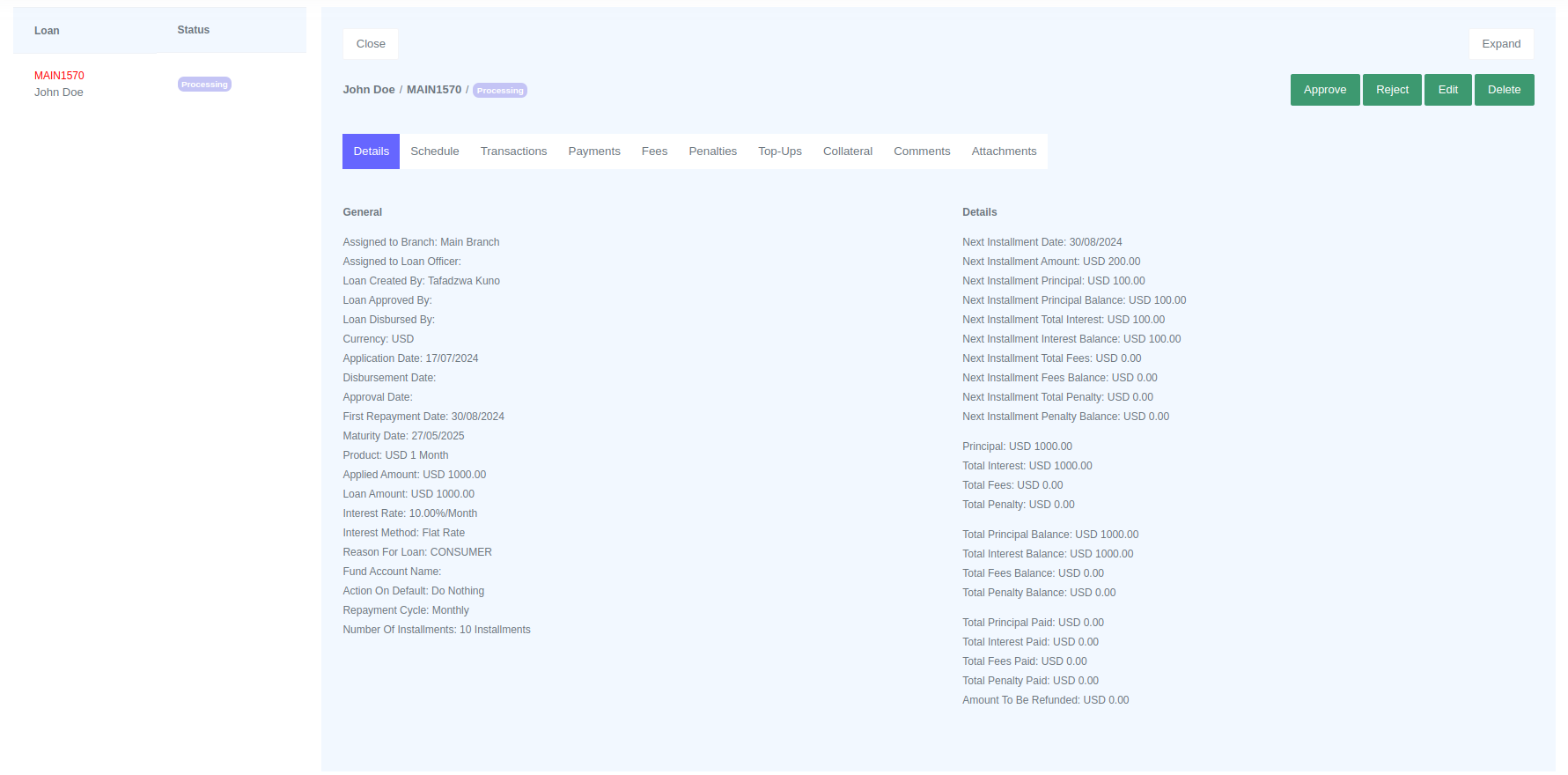
If the loan is in the Processing state, the Delete button will appear on the top right corner along with the Approve, Reject, and Edit buttons.
To delete, click the "Delete" button. A confirmation dialog box will appear. Click "Delete" in the dialog box to confirm the deletion. The audit trail will keep track of all the activities done.